By Aaron Rabinowe · Updated May 28, 2026
Quick answer
Should families buy fall detection or compare monitored response first?
If a fall detection search started after a fall, compare the response path before choosing a watch. Start with a monitored alert path when the person lives alone, may not reach a phone, or could be unable to explain what happened. No device detects every fall, so pair the alert decision with room, transfer, lighting, and caregiver-response checks.
Best for
- A fall detection search started after a fall, time on the floor, or a close call.
- The older adult lives alone, showers alone, goes outside, or may not be able to press a button.
Verify first
- Who responds if an alert fires, what happens if the user cannot speak, and whether a lockbox or local key plan is ready.
- Fall-detection limits, water resistance, charging, cellular coverage, subscription terms, cancellation, and equipment returns.
Build next
- Use the post-fall checklist to connect alert decisions with bathroom, lighting, transfer, and caregiver-response changes.
What automatic fall detection does
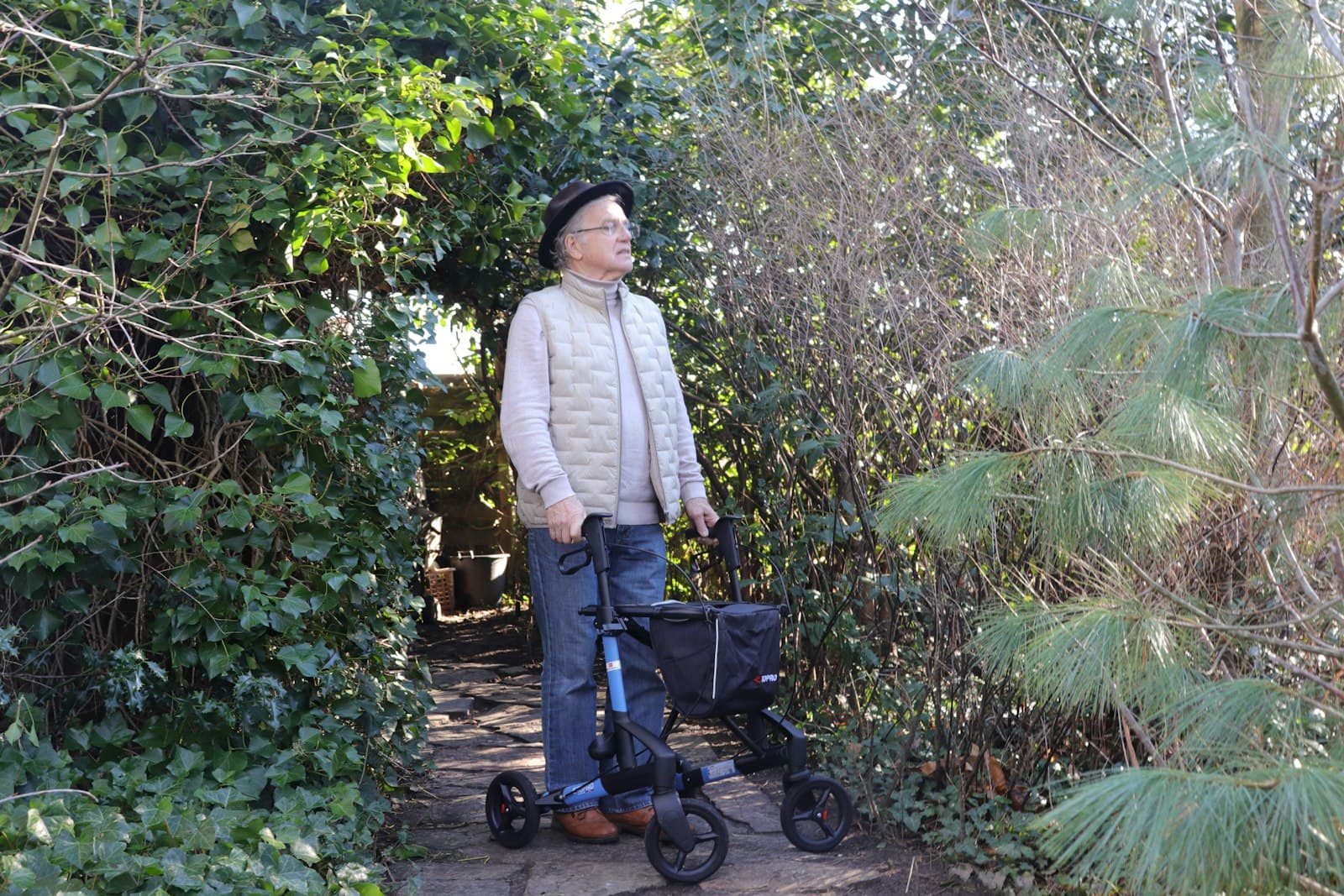
Automatic fall detection uses sensors in a pendant, watch, or mobile device to look for motion patterns that may indicate a fall. If the device senses a possible fall, it may start a countdown, contact a monitoring center, or notify selected caregivers, depending on the product and plan.
The word possible matters. The device is interpreting movement, not watching the room or understanding the full situation.
What it cannot guarantee
Fall detection does not prevent falls, replace home safety changes, or guarantee that every fall will be detected. If the person can press the help button after a fall or sudden health concern, that is still the clearest way to request help.
Why false alarms happen
Quick sitting, dropping the device, bending abruptly, bumping a pendant, or a sudden arm movement can sometimes look like a fall. False alarms can be inconvenient, but a good setup should make them manageable through clear cancellation steps and a response process the user understands.
Why missed falls can happen
Some falls are slow slides from a bed, chair, wall, or toilet. Others involve little impact or unusual movement. A device may also miss an event if it is not worn correctly, not charged, out of coverage, or left on a table.
Device type
Pendant vs watch vs mobile device
The best device is the one the person will actually wear or carry in the places where help may be needed.
Pendant
A pendant can be simple and visible, especially for someone used to wearing a necklace. Ask whether it should be worn outside clothing, whether it is water-resistant, and how easily the button can be pressed.
Watch
A watch-style device may feel more familiar to some users and less noticeable to others. Compare screen readability, charging routine, comfort, button size, and whether the person will keep it on at home.
Mobile device
A mobile device can be useful away from home, but only if it is carried consistently. Compare coverage, GPS, battery life, speaker volume, and whether the device is easy to find after a fall.
Best-fit situations
When fall detection is worth considering
- A prior fall, near-fall, or unexplained time on the floor.
- Balance changes, dizziness, neuropathy, weakness, or medication side effects.
- Time spent alone in the bathroom, bedroom, garage, yard, basement, or on walks.
- A realistic chance the person may be unable to press a help button after a fall.
- Caregivers who need one more backup layer between regular check-ins.
Provider questions
Questions to ask before choosing a device
Which exact devices include automatic fall detection?
Is fall detection included in the monthly cost or sold as an add-on?
Where should the device be worn for the feature to work as intended?
How can the user cancel a false alarm?
What happens if a possible fall alert triggers and the user does not answer?
How does fall detection affect battery life?
What types of falls or movements are less likely to be detected?
Recent fall changed transfers or recovery?
If the fall raised questions about transfer boards, patient lifts, rehab equipment, hospital beds, or broader home medical equipment, use the after-fall decision matrix before opening a retailer.
Product comparison
Compare fall detection and monitored response paths
Start with the monitored-provider path when response process matters, then compare retail watches and alert-device listings for hardware context. Verify fall-detection limits, monitoring, subscriptions, battery life, cancellation, and returns before enrolling or buying.
Retailer options on this page
Merchant names show where the comparison link opens; availability and terms are verified on the retailer site.
Quick comparison
Compare your options at a glance
Treat this as a shortlist, not a prescription. Options are ordered to surface the most relevant path first; always verify current price, fit, seller, shipping, and return terms on the retailer's site before buying.
Option
Medical Care Alert monitored systems
Best for
Families who want hands-off monitored response and fall-alert support
What you'll compare
Compare Medical Care Alert as a monitored-service path before retail-only hardware, then verify current devices, response process, coverage, fall detection or GPS availability, monthly terms, cancellation, emergency contacts, and equipment-return requirements before enrolling.
Option
SureSafeGO GPS alert with fall detection
Best for
A practical starting point to compare current options
What you'll compare
The SureSafeGO is a go-anywhere pendant with mobile GPS, built-in fall detection, two-way talk through the device, and a choice of monitored or family response. Verify coverage, charging, water resistance, fall-detection limits, monthly terms, cancellation, and returns before enrolling.
Option
LifeFone monitored alert systems
Best for
Monitored response with at-home and on-the-go device options
What you'll compare
Compare LifeFone as another monitored medical-alert path, then verify current devices, response process, fall detection, GPS availability, monthly terms, cancellation, and equipment-return requirements before enrolling.
Option
MiniFinder GPS safety watches and alarms
Best for
A practical starting point to compare current options
What you'll compare
MiniFinder is an international GPS safety brand with alarm watches and wearable trackers offering an SOS button, fall detection, and location sharing for relatives or a response center. Confirm US availability, shipping, language, monthly service, charging, and returns before buying.
Option
Medical alert search
Best for
Setup help and support for connected and tech devices
What you'll compare
Compare device listings carefully and confirm whether any listing includes monitoring, app features, or only hardware.
Merchant names show where each comparison link opens. Availability, pricing, and terms are confirmed on the retailer or provider site.
Medical Care Alert
Monitored alert option
Medical Care Alert monitored systems
Compare Medical Care Alert as a monitored-service path before retail-only hardware, then verify current devices, response process, coverage, fall detection or GPS availability, monthly terms, cancellation, emergency contacts, and equipment-return requirements before enrolling.
Why families compare it
A monitored-service path can be a better first comparison when the real worry is who responds after a button press, possible fall, or GPS alert.
Before buying
Verify current device options, professional monitoring, fall detection or GPS availability, cellular and in-home coverage, monthly terms, cancellation, emergency contacts, and equipment returns.
LifeFone
Monitored alert option
LifeFone monitored alert systems
Compare LifeFone as another monitored medical-alert path, then verify current devices, response process, fall detection, GPS availability, monthly terms, cancellation, and equipment-return requirements before enrolling.
Why families compare it
Alert devices can give an older adult another way to request help when reaching a phone may not be realistic.
Before buying
Check monitoring, fall detection limits, subscriptions, charging, coverage, water resistance, response contacts, seller details, and returns.
SureSafe
Mobile GPS alert partner
SureSafeGO GPS alert with fall detection
The SureSafeGO is a go-anywhere pendant with mobile GPS, built-in fall detection, two-way talk through the device, and a choice of monitored or family response. Verify coverage, charging, water resistance, fall-detection limits, monthly terms, cancellation, and returns before enrolling.
Why families compare it
Alert devices can give an older adult another way to request help when reaching a phone may not be realistic.
Before buying
Check monitoring, fall detection limits, subscriptions, charging, coverage, water resistance, response contacts, seller details, and returns.
Buying guidance
Use familiar retailers as a confidence check
Seeing the same category across Amazon, Walmart, Target, Home Depot, Best Buy, CVS, Walgreens, or Carewell can help you compare availability, returns, shipping speed, and support before choosing where to buy.
Amazon
Amazon comparison option
Fall detection watches
Compare Amazon watch-style listings for fall detection claims, phone requirements, subscriptions, battery life, seller details, and returns.
Why families compare it
Alert devices can give an older adult another way to request help when reaching a phone may not be realistic.
Before buying
Check monitoring, fall detection limits, subscriptions, charging, coverage, water resistance, response contacts, seller details, and returns.
Walmart
Retailer comparison option
Fall detection watches
Look closely at whether a watch includes automatic fall detection, emergency calling, subscriptions, battery life, and phone compatibility.
Why families compare it
Alert devices can give an older adult another way to request help when reaching a phone may not be realistic.
Before buying
Check monitoring, fall detection limits, subscriptions, charging, coverage, water resistance, response contacts, seller details, and returns.
Amazon
Amazon comparison option
Medical alert devices
Compare current Amazon alert-device listings, then verify monitoring, subscriptions, charging, water resistance, seller details, delivery, and returns.
Why families compare it
Alert devices can give an older adult another way to request help when reaching a phone may not be realistic.
Before buying
Check monitoring, fall detection limits, subscriptions, charging, coverage, water resistance, response contacts, seller details, and returns.
Buying guidance
Compare fit before features
Families often get pulled toward the most feature-heavy listing. Fit usually matters first: room measurements, height, weight rating, installation, charging, cleaning, and whether the older adult will actually use it.
Walmart
Retailer comparison option
Medical alert necklaces
Compare wearable form factor, button size, water resistance, monitoring requirements, and how help is contacted.
Why families compare it
Alert devices can give an older adult another way to request help when reaching a phone may not be realistic.
Before buying
Check monitoring, fall detection limits, subscriptions, charging, coverage, water resistance, response contacts, seller details, and returns.
Best Buy
Retailer comparison option
Medical alert search
Compare device listings carefully and confirm whether any listing includes monitoring, app features, or only hardware.
Why families compare it
Alert devices can give an older adult another way to request help when reaching a phone may not be realistic.
Before buying
Check monitoring, fall detection limits, subscriptions, charging, coverage, water resistance, response contacts, seller details, and returns.
Walmart
Retailer comparison option
Medical alert listings
Browse retail medical alert listings, then verify monitoring, fall detection, subscriptions, returns, and setup support.
Why families compare it
Alert devices can give an older adult another way to request help when reaching a phone may not be realistic.
Before buying
Check monitoring, fall detection limits, subscriptions, charging, coverage, water resistance, response contacts, seller details, and returns.
Buying guidance
Start with the routine, not the product
Before buying, name the moment you are trying to improve: getting out of a chair, bathing, walking to the bathroom at night, remembering medication, or reaching help quickly. The right product should make that routine simpler.
MiniFinder
GPS safety device option
MiniFinder GPS safety watches and alarms
MiniFinder is an international GPS safety brand with alarm watches and wearable trackers offering an SOS button, fall detection, and location sharing for relatives or a response center. Confirm US availability, shipping, language, monthly service, charging, and returns before buying.
Why families compare it
Alert devices can give an older adult another way to request help when reaching a phone may not be realistic.
Before buying
Check monitoring, fall detection limits, subscriptions, charging, coverage, water resistance, response contacts, seller details, and returns.
Amazon
Amazon comparison option
Amazon senior care products
Browse Amazon senior-care product results focused on aging-at-home categories, including mobility aids, bathroom safety items, daily care supplies, and bedroom helpers.
Why families compare it
This category can be a practical starting point when a family is trying to solve one specific daily safety or caregiving friction point.
Before buying
Check fit, sizing, seller details, delivery timing, setup needs, warranty, support, and returns before buying.
Amazon
Amazon comparison option
Echo smart speakers
Shop Echo speakers for voice reminders, calls, timers, smart plugs, lights, and simple hands-free help around the home.
Why families compare it
Caregiver technology can support reminders, communication, alerts, and routine visibility when everyone understands the privacy tradeoffs.
Before buying
Check Wi-Fi needs, subscriptions, app sharing, privacy controls, audio/video settings, power source, and who receives alerts.
Before checkout, verify current price, seller, shipping, availability, setup needs, support, and return details on the site you choose.
Frequently Asked Questions
Can automatic fall detection replace pressing a help button?+-
No. Fall detection is best treated as a backup. If the older adult can press the button after a fall or sudden health concern, that is still the clearest way to request help.
Why do fall detection devices sometimes send false alarms?+-
Fall detection uses motion patterns and sensors. Quick sitting, dropping the device, bending, or abrupt movement can sometimes look like a fall. A good response process should make false alarms manageable.
Where should a fall detection device be worn?+-
Follow the provider's instructions for the specific device. Pendants, wrist devices, watches, and clip-on devices can sense motion differently, and wearing them incorrectly may reduce accuracy.
Who benefits most from fall detection?+-
It may be worth considering when someone has a history of falls, balance issues, medication side effects, dizziness, or a higher chance of being unable to press a button after a fall.
Compare caregiver alerts beyond fall detection
Fall detection and passive monitoring solve different problems. Fall detection focuses on certain events. Passive monitoring focuses more on routine changes and caregiver awareness.
Compare medical alert options next
Fall detection is usually part of a broader medical alert decision. Compare monitored systems, mobile devices, GPS, landline options, and caregiver notifications before narrowing the list.
Related guides
Elderly Parent Keeps Falling
Organize professional follow-up, home patterns, alert options, bathroom safety, and mobility supports.
Read guideFall Detection Watches
Compare watch-style fall detection devices by automatic alerts, false alarms, phone requirements, charging, and monitoring.
Read guideAmazon Fall Prevention Products
Compare Amazon bathroom safety, mobility, lighting, bed rail, ramp, and alert-device starting points without relying on fake ratings or claims.
Read guide